Onboarding
Get started with cside in minutes. This guide walks you through account setup, email verification, plan selection, and adding your first domain for client-side script monitoring.
Onboarding to cside takes a few minutes. After signing up, cside guides you through a few quick steps to get your account configured and your first domain protected.
If you’ve already completed the onboarding process, skip ahead to Adding your Domain or Adding the cside Script.
Onboarding steps
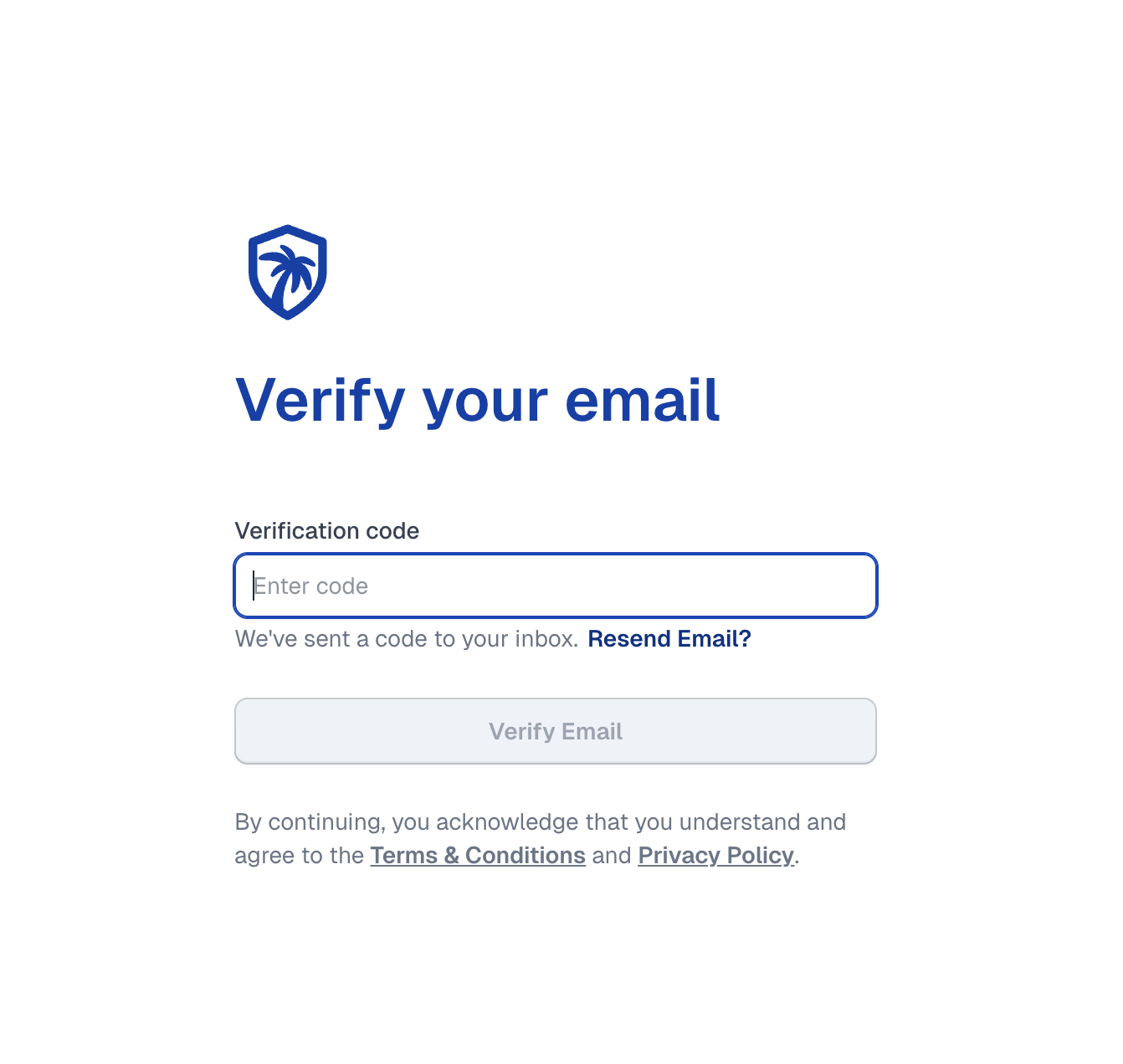
Verify your email
After signing up, you’ll be prompted to verify your email address. This confirms ownership of the email you provided.
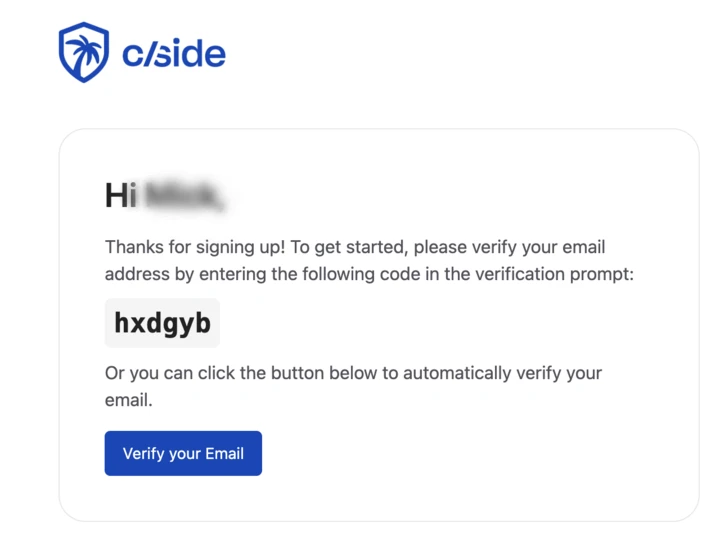
- Enter the 6-digit code sent to your inbox
- The code expires in 15 minutes. Click “Resend Email” if needed
- Alternatively, click the “Verify your Email” button in the email to verify directly
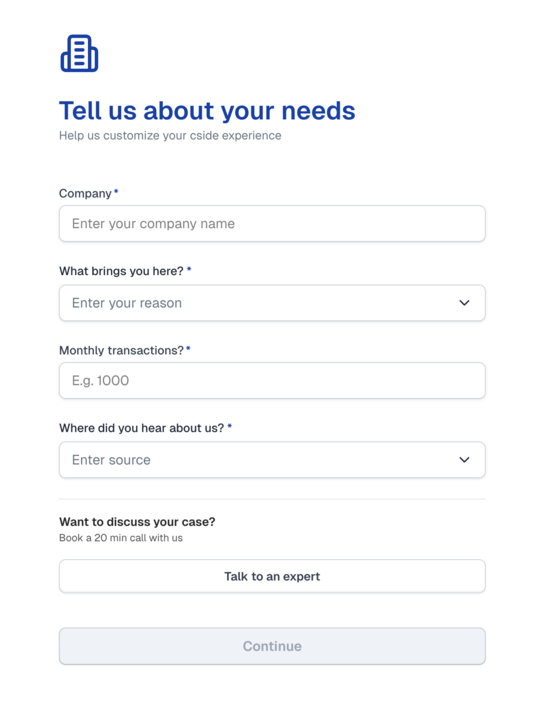
Tell us about you
Provide some basic information about your use case. This helps cside determine whether a self-service plan fits your needs or if you should connect with an expert.
Select your plan
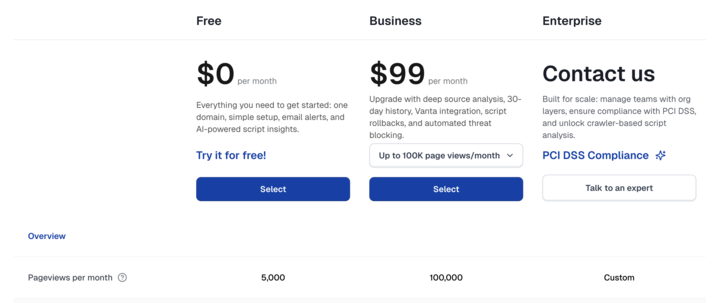
Choose the plan that best fits your needs:
| Plan | Price | Includes |
|---|---|---|
| Free | $0/mo | Email alerts, AI-powered script insights, up to 2,500 page views/mo |
| Business | From $99/mo | Deep source analysis, 30-day history, script rollbacks, automated threat blocking, up to 100,000 page views/mo |
| Enterprise | Custom | Custom page views, SSO integrations, dedicated support |
Application review
Depending on your selected plan:
- Free plans: Require a brief application review before access is granted
- Business plans: Add payment details and start using cside immediately
- Enterprise plans: Our sales team will contact you to discuss a tailored solution
Add your domain (optional)
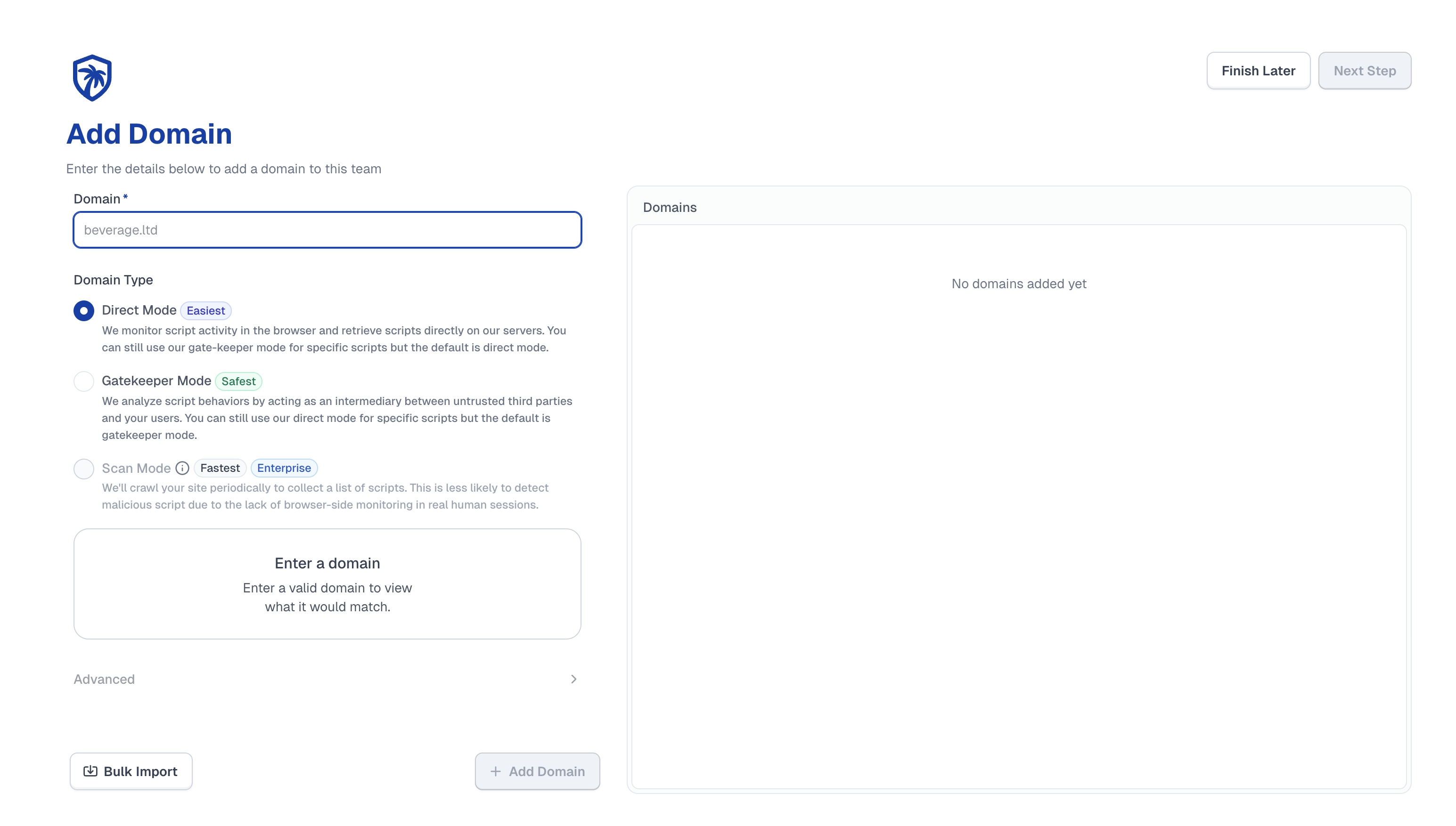
You can add your first domain during onboarding or skip this step and do it later.
Domain configuration:
- Enter your domain (e.g.,
example.com) - Domains are wildcarded by default. If you want to onboard specific subdomains, you can add them on the next step
- The domain preview will show which domains and subdomains will be matched
Protection modes:
cside offers two different modes to protect your site. Choose based on your security requirements and implementation constraints.
Direct Mode (Easiest)
cside runs a lightweight behavioral detection engine directly in the user’s browser and fetches the same scripts server-side for verification.
How it works:
- No traffic rerouting (unless you specify a script you want cside to serve)
- No latency added to your site
- Just one script tag added to your site
Best for: Teams that want immediate monitoring and integrity checks without altering their delivery path.
Scan Mode (Fastest setup, Enterprise)
If you cannot add the cside script to your site, scan mode provides crawler-based analysis as a fallback.
How it works:
- We’ll crawl your site periodically to collect a list of scripts
- This is less likely to detect malicious script due to the lack of browser-side monitoring in real human sessions
- No code changes required on your end
- Available on Enterprise plans
Best for: Teams that need protection before code changes are possible. Note that Scan Mode is not a replacement for real-user monitoring, but it provides meaningful protection as an interim solution.
Onboarding complete
Your cside account is ready. From here you can:
- Connect on Slack for direct support via a private channel
- Invite team members to collaborate on your domains
- Add the cside script to enable continuous monitoring
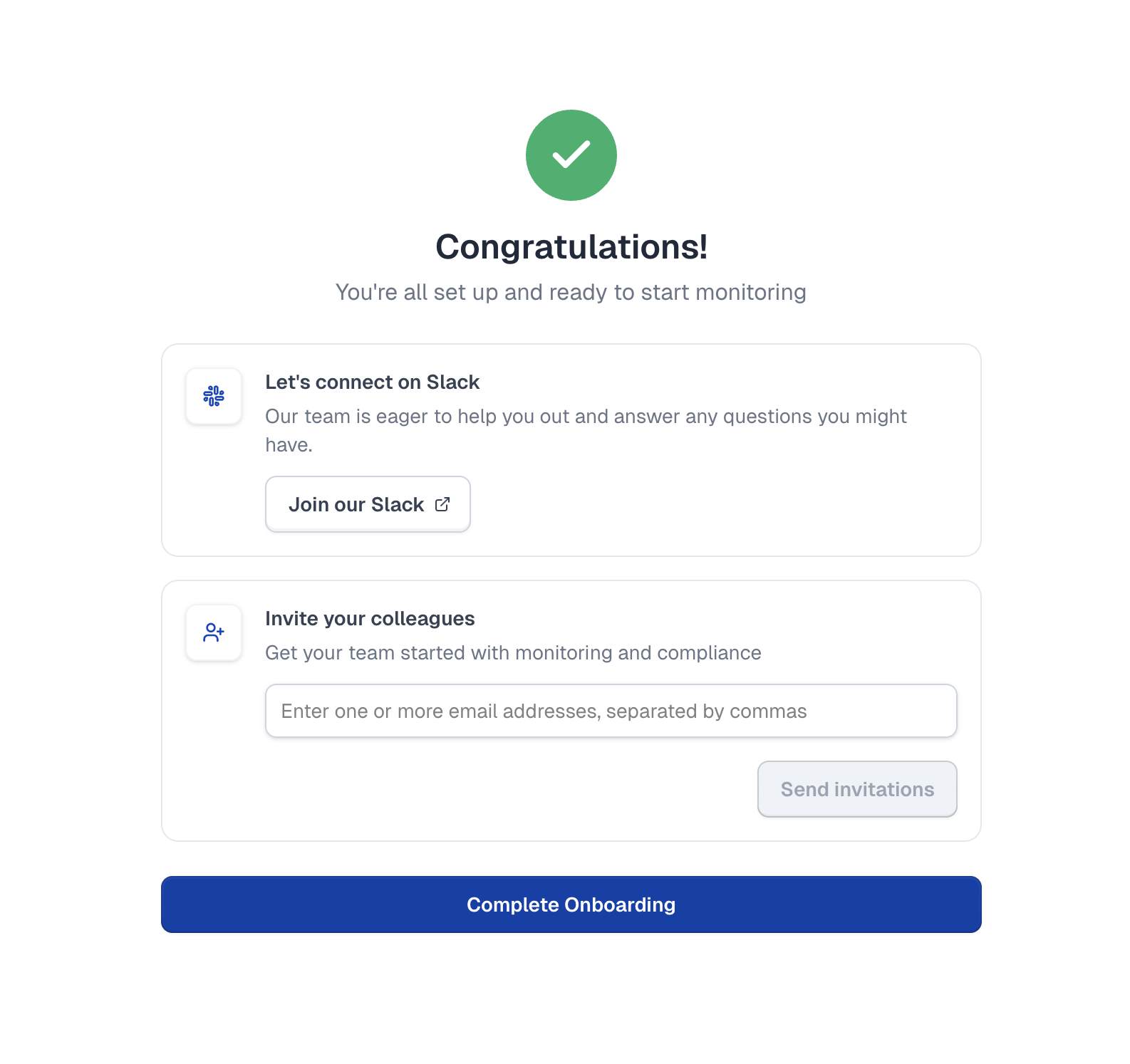
cside automatically runs an initial scan of your website. For continuous monitoring, make sure to add the cside script to your site.
Next steps
- Add your domain: Configure domains for monitoring
- Add the cside script: Enable real-time client-side protection
- Adjusting your CSP: Configure Content Security Policy for your site
Thanks for your feedback!